Audio payment confirmation
Connect each payment with its business purpose so staff can follow the customer journey and review the relevant records.

In-store Collections
Add audio payment alerts to supported QR collections with AADHAR PAY soundbox solutions. Help counter staff recognise payment confirmations without repeatedly checking a screen, keeping everyday customer service more convenient.
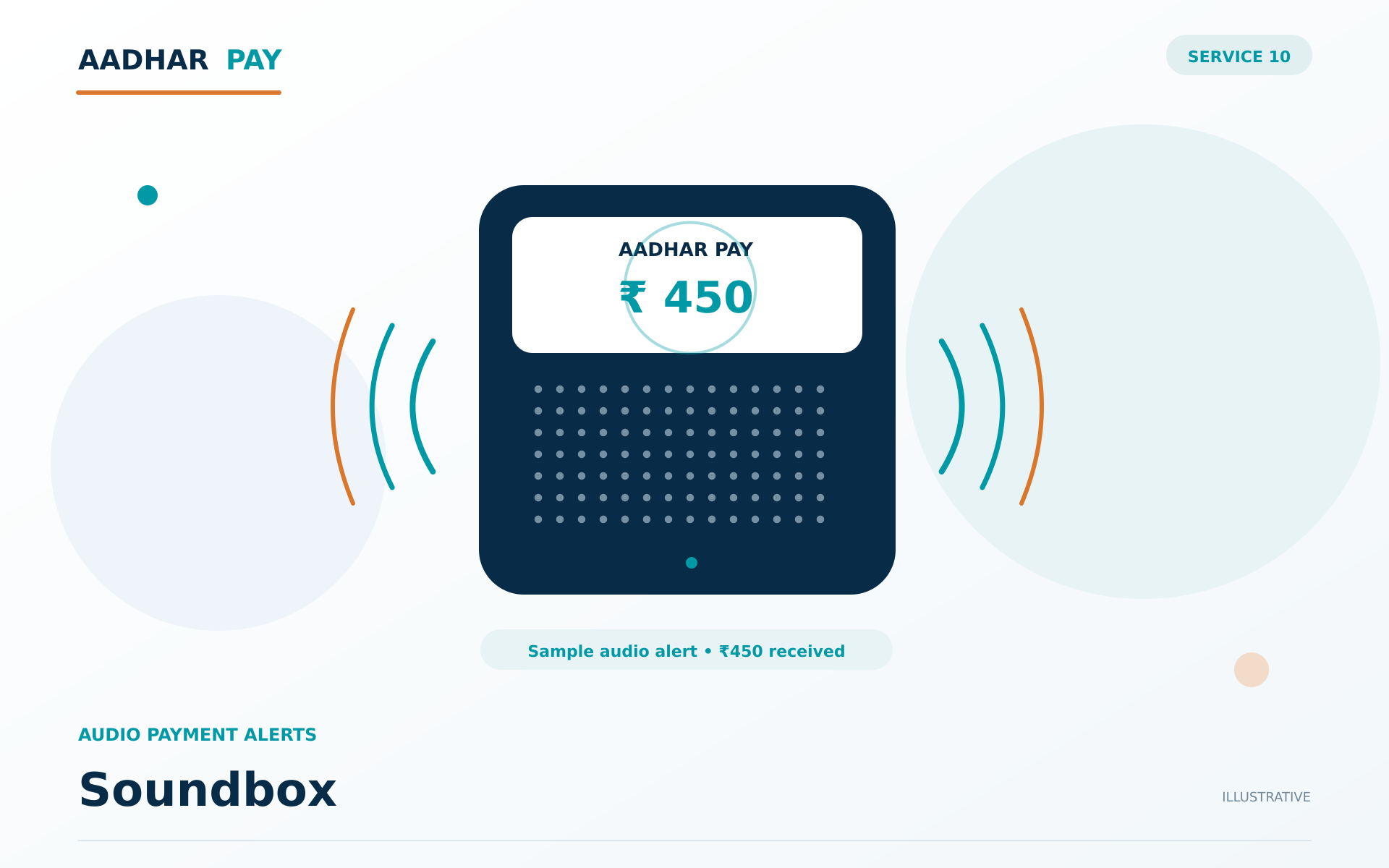
Conceptual illustration · service arrangement confirmed during onboarding
Connect each payment with its business purpose so staff can follow the customer journey and review the relevant records.
Confirm which QR arrangement is suitable for the location or transaction. Staff should verify outcomes through the approved status channel.
Check compatibility, connectivity and activation requirements before selecting equipment. Device options depend on the supported service arrangement.
Check compatibility, connectivity and activation requirements before selecting equipment. Device options depend on the supported service arrangement.
Identify the business purpose, reference information and responsible team for this stage of the workflow.
Use the configured service arrangement and preserve the business reference as the request moves to the next stage.
Use the configured service arrangement and preserve the business reference as the request moves to the next stage.
Review the available outcome records and establish ownership for follow-up where an item needs attention.
Eligible alerts depend on device connectivity and supported pairing. Review transaction records if an audio confirmation is missed or unclear.
Soundbox helps your team connect audio payment confirmation with connection and device assistance in an organised workflow. Clear references and agreed responsibilities support practical implementation and more informed operational follow-up.
Discuss your workflow →Start with audio payment confirmation and counter-friendly device setup. Connect each payment with its business purpose so staff can follow the customer journey and review the relevant records. The team can help map the appropriate service arrangement to your business references and responsibilities.
Share your business activity and requirements for audio payment confirmation. Our team will explain eligibility, documentation and any partner-dependent approvals before activation.
Confirm which QR arrangement is suitable for the location or transaction. Staff should verify outcomes through the approved status channel. Approved technical documentation and access details are shared through the applicable onboarding process; no credentials are requested in this marketing enquiry.
Check compatibility, connectivity and activation requirements before selecting equipment. Device options depend on the supported service arrangement. Confirm available reporting, operational timelines and charges in the agreed service scope rather than assuming a universal schedule.
Make UPI collections convenient at counters, service points and other customer touchpoints. AADHAR PAY helps businesses use QR-based payment acceptance with a clear collection workflow and payment visibility for everyday operations.
Explore UPI QR Payments →Support in-person digital payments with POS solutions suited to your store or service location. AADHAR PAY helps businesses organise counter collections and transaction records, with device and payment options selected according to their operational requirements.
Explore POS Payments →Bring online, in-store and assisted collection journeys into a coordinated payment setup. AADHAR PAY helps businesses organise multiple payment channels so teams can follow transactions and settlement information with greater consistency across their operations.
Explore Omnichannel Payments →
Powering Payments.
Enabling Progress.
Tell us your payment, payout and banking requirements.
We’ll help you explore the next step.