Invoice-linked payment requests
Connect each payment with its business purpose so staff can follow the customer journey and review the relevant records.

Online Collections
Help customers understand what they are paying for and complete their payment through a linked invoice journey. AADHAR PAY supports organised invoice collections so your team can follow outstanding requests and connect payment records with the underlying business transaction.
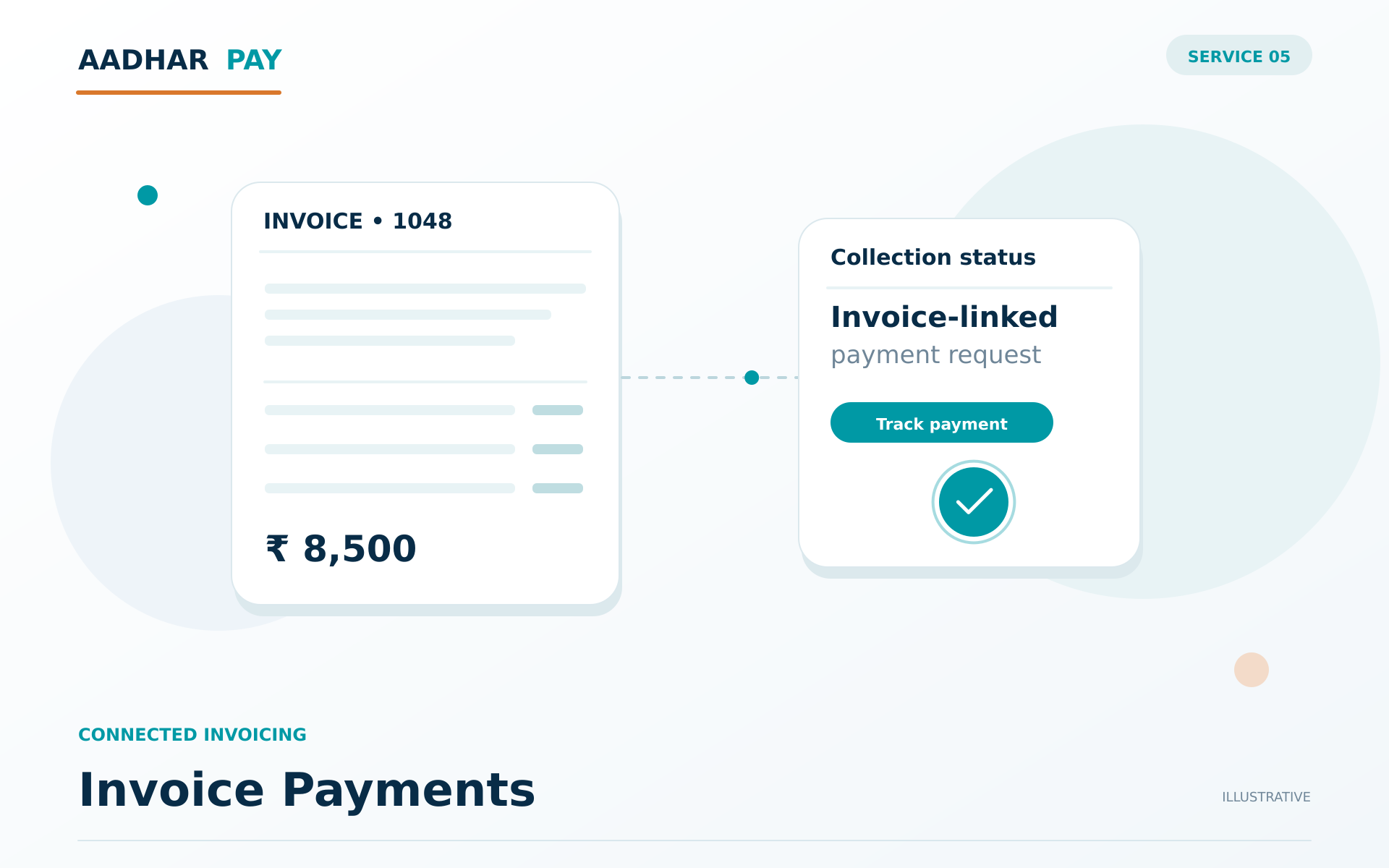
Conceptual illustration · service arrangement confirmed during onboarding
Connect each payment with its business purpose so staff can follow the customer journey and review the relevant records.
Make the amount and underlying business reference clear before the customer proceeds, reducing ambiguity when payments are checked later.
Connect each payment with its business purpose so staff can follow the customer journey and review the relevant records.
Connect transaction records with orders, invoices or operational references. Define how unmatched entries are reviewed and resolved by your team.
Identify the business purpose, reference information and responsible team for this stage of the workflow.
Use the configured service arrangement and preserve the business reference as the request moves to the next stage.
Use the configured service arrangement and preserve the business reference as the request moves to the next stage.
Review the available outcome records and establish ownership for follow-up where an item needs attention.
Invoice-linked collections do not replace your tax or statutory invoicing obligations. Confirm any invoice functionality against your accounting requirements.
Invoice Payments helps your team connect invoice-linked payment requests with collection records and reconciliation in an organised workflow. Clear references and agreed responsibilities support practical implementation and more informed operational follow-up.
Discuss your workflow →Start with invoice-linked payment requests and payment status visibility. Connect each payment with its business purpose so staff can follow the customer journey and review the relevant records. The team can help map the appropriate service arrangement to your business references and responsibilities.
Share your business activity and requirements for invoice-linked payment requests. Our team will explain eligibility, documentation and any partner-dependent approvals before activation.
Make the amount and underlying business reference clear before the customer proceeds, reducing ambiguity when payments are checked later. Approved technical documentation and access details are shared through the applicable onboarding process; no credentials are requested in this marketing enquiry.
Connect transaction records with orders, invoices or operational references. Define how unmatched entries are reviewed and resolved by your team. Confirm available reporting, operational timelines and charges in the agreed service scope rather than assuming a universal schedule.
Request payments with a shareable link that customers can open on their preferred device. AADHAR PAY payment links help businesses collect for orders, services and outstanding dues through a convenient payment journey, even when the sale happens outside a website checkout.
Explore Payment Links →Match collections to customers, invoices or business accounts using dedicated virtual account identifiers. AADHAR PAY helps your finance team recognise incoming payments and organise reconciliation without relying only on manual references and spreadsheets.
Explore Virtual Accounts →Bring transaction, collection and settlement records together with AADHAR PAY. Support structured matching, identify items that need attention and keep finance teams informed about payment outcomes and settlement progress.
Explore Reconciliation & Settlement →
Powering Payments.
Enabling Progress.
Tell us your payment, payout and banking requirements.
We’ll help you explore the next step.